Video 360
Create Professional-Looking Video Podcasts & Live Streams Without Expensive Equipment and Get Views Immediately — Even If You're a Complete Beginner
What Is Video 360?
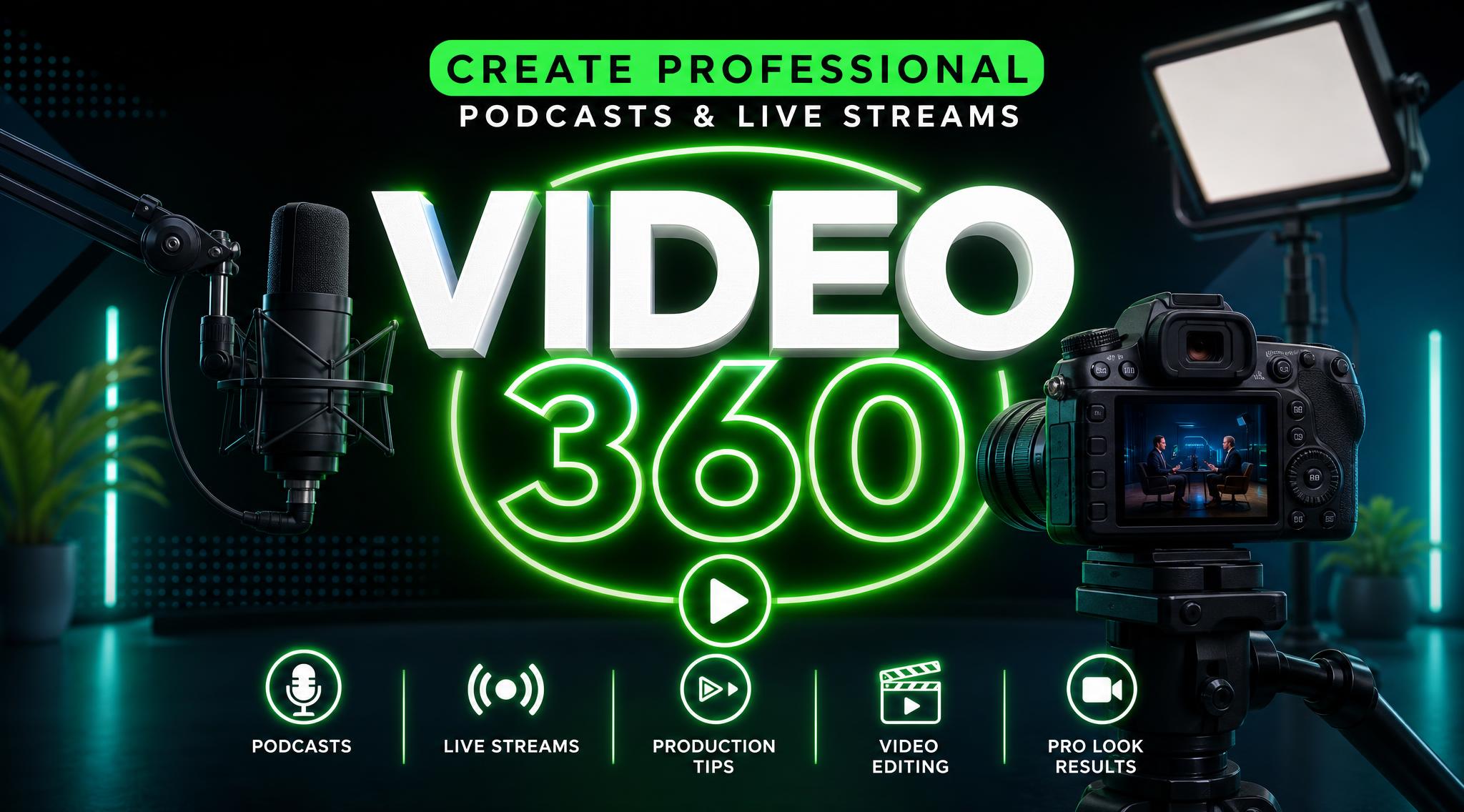
Video 360 will show you, step-by-step, how to setup and operate the equipment and software for live streaming & recording your own video podcast episodes (or for someone else).
What This Course Does
In a few hours or days, you will:
Have your video equipment and software fully set up and working
Know exactly how to live stream and/or record videos
Start getting views for your videos the day they're released
No guesswork. No overwhelm. No wasted time.
Who This Is For?
This is for you if:
- You’re a beginner who wants to learn how to live stream and record videos with OBS
- You’ve tried learning this on your own and got stuck
- You want clear help and guidance
- You don’t want to waste weeks figuring this out
Who This Is NOT For
- You’re looking for advanced editing or production
- You want viral growth strategies
- You’re not willing to take action
Why This Works...
Most tutorials give you information.
This course gets you to DONE.
You won’t just learn OBS.
You’ll:
- Choose inexpensive equipment and free (mostly) software
- Understand how everything works together
- Learn how to add graphics during your live streams & recordings
- Learn green screens, overlays etc.
- Actually get people watching your episodes who want to watch them
- Have support and access to a private online community
- Much more...
At the end of this program, you won’t be “still learning.”
You’ll have:
- A working setup
- Real videos created
- A system you can repeat
What's Inside?...
Phase 1 - Build Your Setup
Learn how to choose equipment based on the type of videos you want to make
Learn how to connect equipment for nearly any scenario
Learn how to use what you currently have
Learn about lighting
Phase 2 - Recording & Live Streaming
Learn how to install and configure OBS (FREE software)
Learn how to record, live stream or do both at the same time
Learn how to use green screens and add graphics to your videos while you're recording or live streaming
Learn how to record/live stream your computer screen and camera, at the same time
Phase 3 - Produce Your Videos
Learn how to "build" a video
Learn how to add effects
Learn how to add captions
Learn how to add transitions
Learn how to add music and sound effects
Learn how to remove backgrounds and colors
Learn how compress videos
Learn a lot more!
Phase 4 - Thumbnail Creation
Learn basic photo editing
Learn how to use free software to create thumbnails
Learn how to layer your images
Phase 5 - Publish and Grow Your Channel on YouTube
Learn how to create & optimize a YouTube channel
Learn how to upload your videos and make them public, keep them hidden or schedule them to be public at a later date
Learn how to monetize your videos
Phase 6 - Getting Targeted Views Immediately
Learn how to target people who are interested in your podcast topic
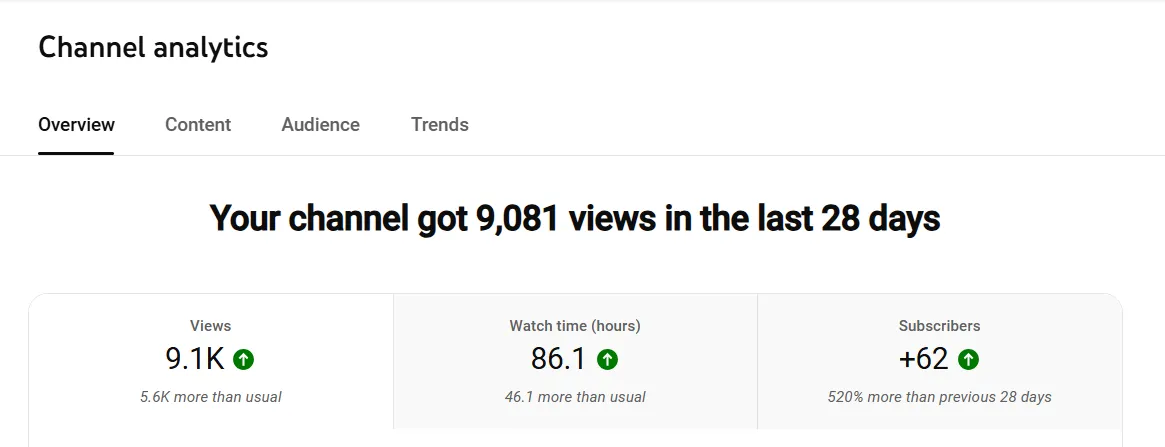
Learn how to get views for each podcast episode, the same day it is released, even with a brand new channel
Detailed Step-By Step Instructions
You watch as I do each task and explain it
On-Demand videos that you can watch on your computer, phone, or tablet
You won't have to guess. It's literally something a 10 year old (my daughter) can understand.
Video 360 Community
Get support within the community and each lesson in the course
Collaborate with other students
Share your success stories and see what's working for others
Sample Videos
Church Service
Gaming Sample
Just Me Talking
FAQs
How do I get access to the community once I’m enrolled?
Once you enroll, you will receive an email with instructions to log into the community and the course.
How long are the training videos?
The training videos are about 8 hours (less than a season of your favorite Netflix show, haha). They are also on-demand so you can watch them on your computer, phone or tablet whenever you want. All you need is an internet connection.
What if I am a total beginner?
Everyone starts at zero. This course will show everything from scratch and most of the videos are “over-the-shoulder” trainings. You basically watch me do it and explain how/why it’s done and then you go do it. And of course, I am there to help you in the community.
How long do I have access to this community & course?
As soon as you enroll, you’ll have lifetime access to the community, course and any updates.
How do I know this is will work?
I've actually done everything I teach in this community & course so I know it works. I cannot guarantee you will have success because I don't know your work ethic. With that being said, If you do everything I teach, you'll have success.
Do you offer refunds?
Yes. You have 7 days to request a refund via email. Send emails to [email protected]
For payment plans, Select "Afterpay" or "Klarna"
Not Ready Yet? We Understand
Fill out this short form and we'll send you a link to come back when you're ready